

Sign In
Sign in to Bfloat AI to start building your mobile and web applications.Getting Started
- Visit Bfloat AI
- Click Sign In or Create Account
Sign-In Options
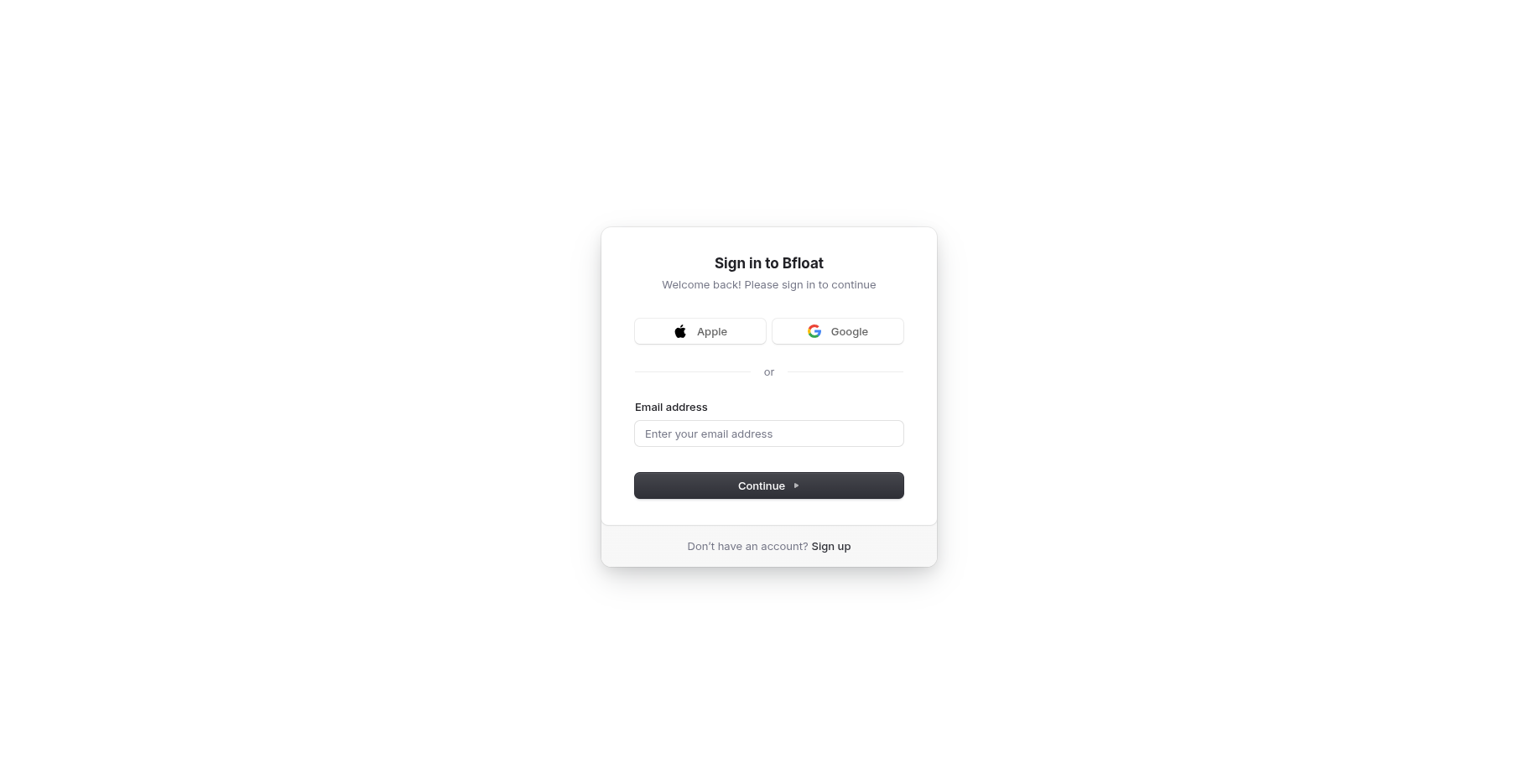
Bfloat supports multiple authentication methods:- Email: Sign in with your email address
- Google: Sign in using your Google account
- Apple: Sign in using your Apple account
- SSO: Enterprise single sign-on for organizations
After Signing In
Once authenticated, you’ll be taken to your dashboard where you can:- Create new projects from templates or AI prompts
- View and manage existing projects
- Access your account settings and integrations
- Collaborate with team members